

AddMoments - Collect photos from events via a QR code | Digital album
AddMoments – Header
AddMoments – Hero Section
Event hosts
5 star rating

2M+ Memories Captured.

QR CODE PHOTOSHARING
PLATFORM FOR EVENTS &
DIGITAL MEMORY ALBUM

Collect every candid photo, video, and memory from your guests in one beautiful space — instantly, without apps or complicated uploads.

Create Your Event
Event photo
Event photo
Event photo
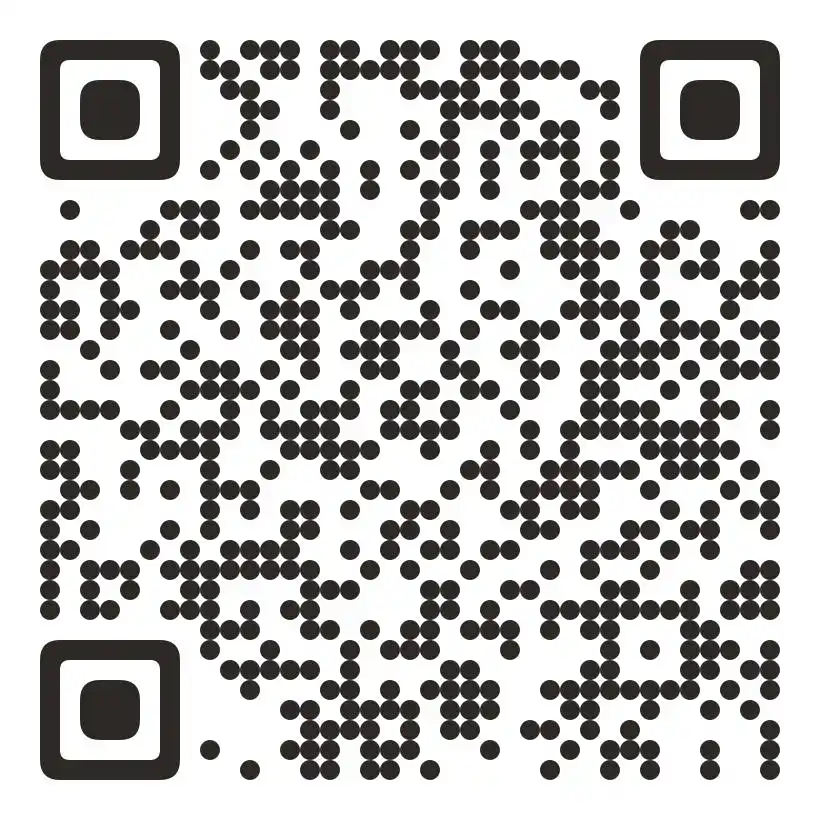
QR Code
Arrow pointing to QR Code Arrow pointing to QR Code
Scan
Take a photo
Save memories
AddMoments – Logo Ticker
Zoom
X
WhatsApp
Telegram
Samsung
Pepsi
Microsoft
McDonald's
Instagram
Facebook
Zoom
X
WhatsApp
Telegram
Samsung
Pepsi
Microsoft
McDonald's
Instagram
Facebook
AddMoments – Digital Memory Album
Band playing live
Friends dining and laughing
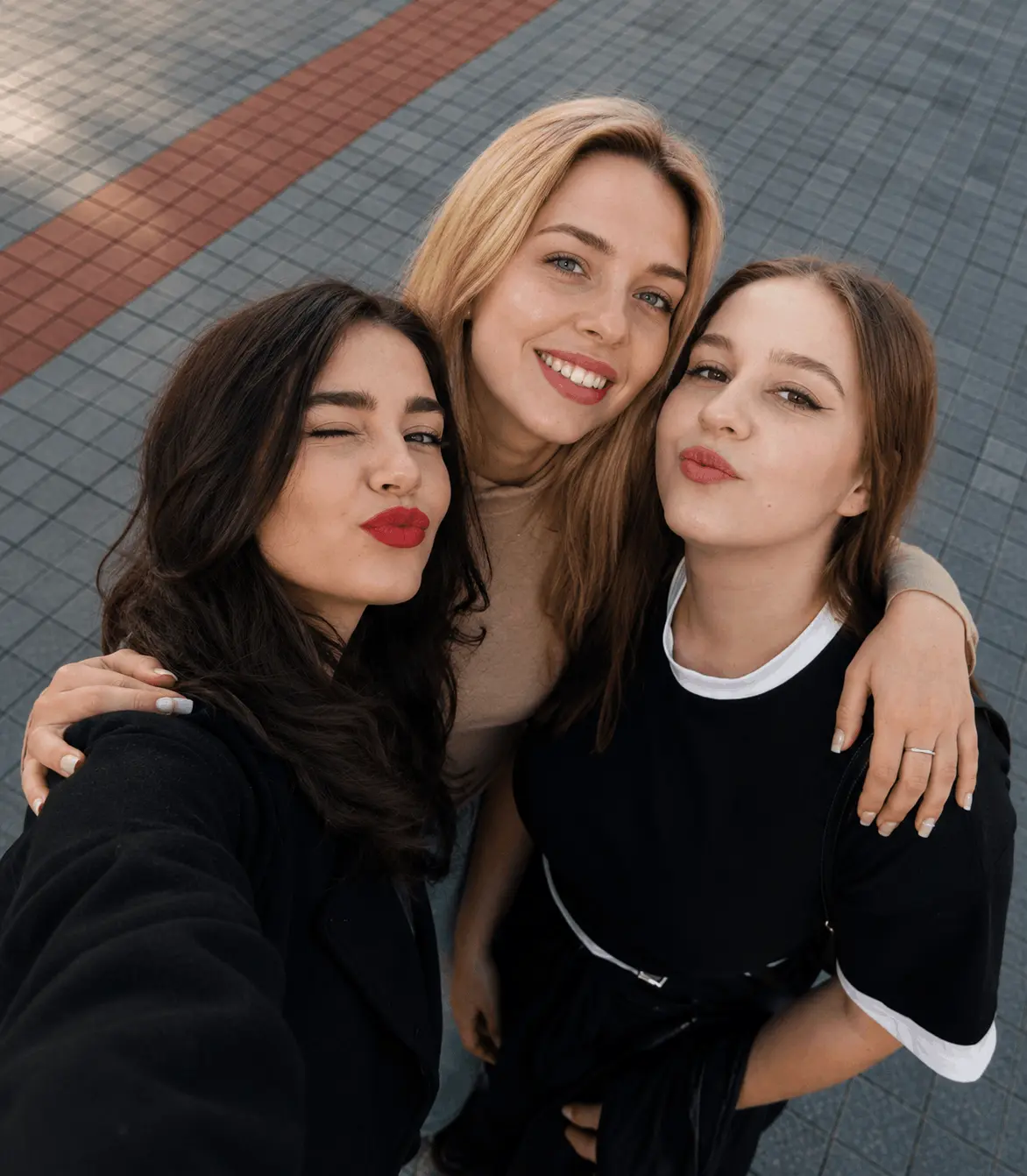
Friends taking selfie
No App
No Guest Registration
Why Us?

What is Digital Memory Album?

Digital album is where you can collect photos, videos, voice messages and memories taken by your guests at all special events using a simple QR code.

Add your moments
AddMoments – How It Works
How does Add Moments work?

Three steps.
Every memory.

1

Create Your Event

Add your event date, event title, and a short welcome message for your guests.
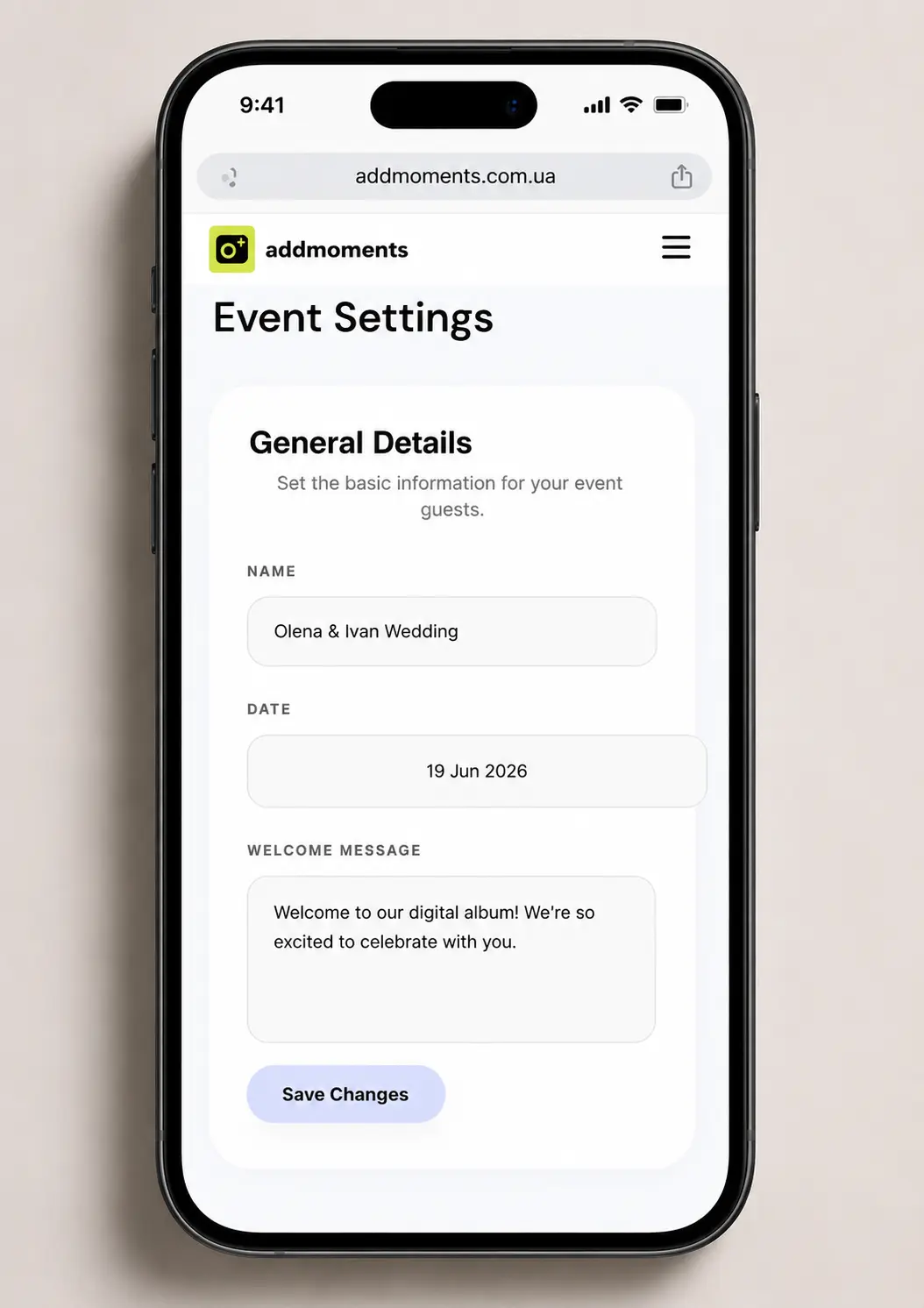
Create Event screen mobile mockup
2

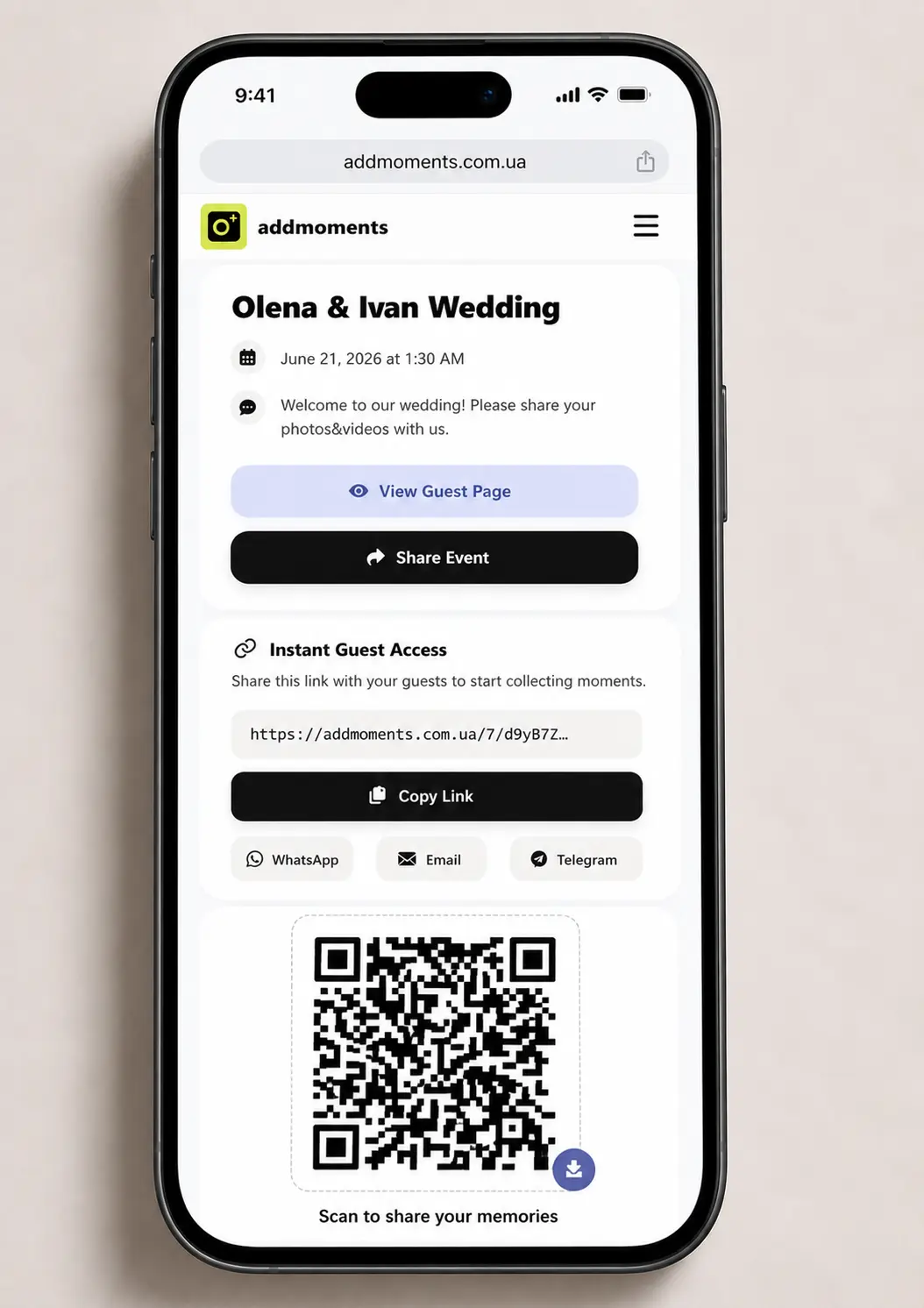
Share Your QR Code & Private Link

Share your QR code at your event or send your private link to guests digitally.

Share QR Code screen mobile mockup
3

Enjoy Best Event Moments

Guests share photos and you can see them instantly.
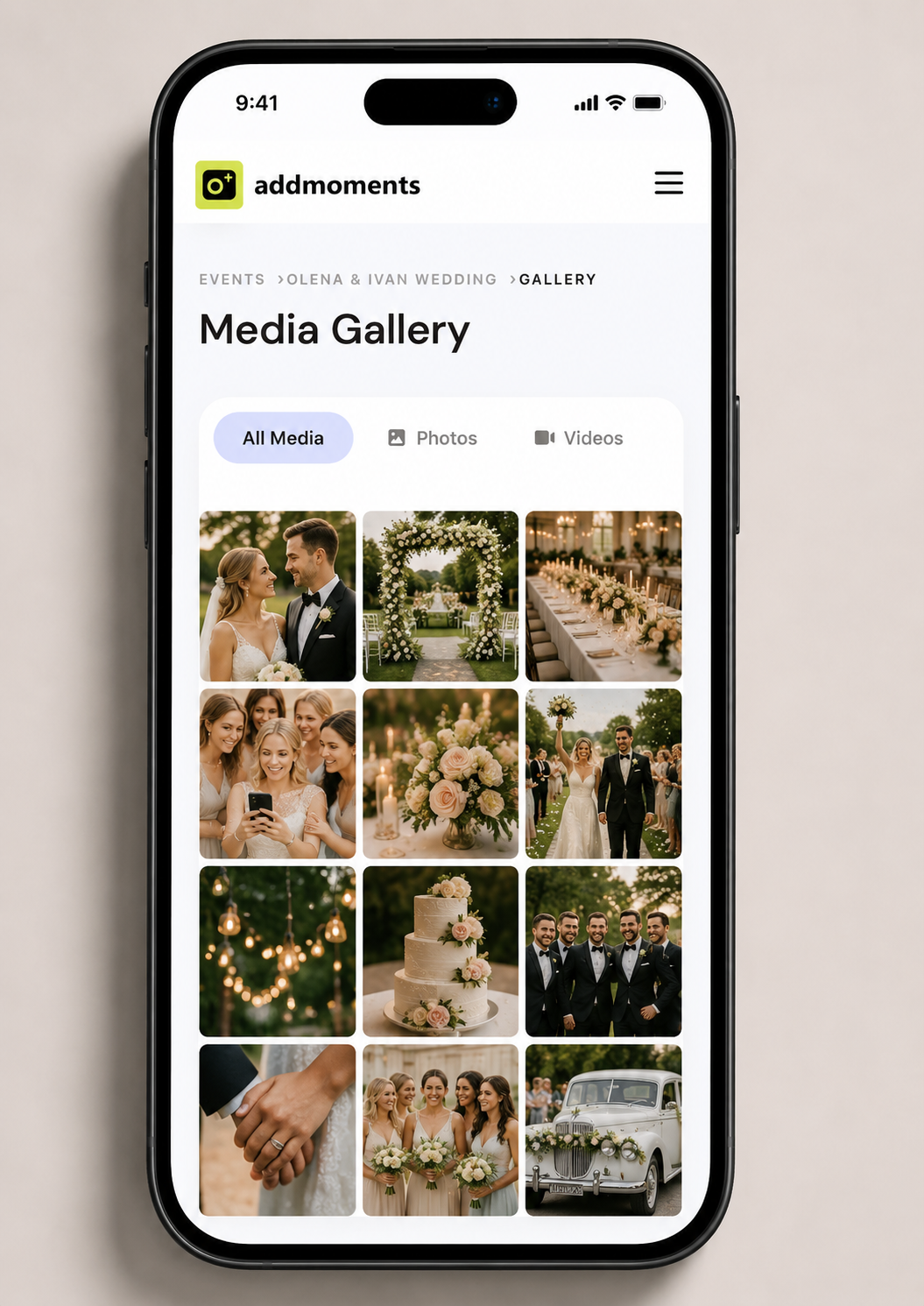
View Gallery screen mobile mockup
1

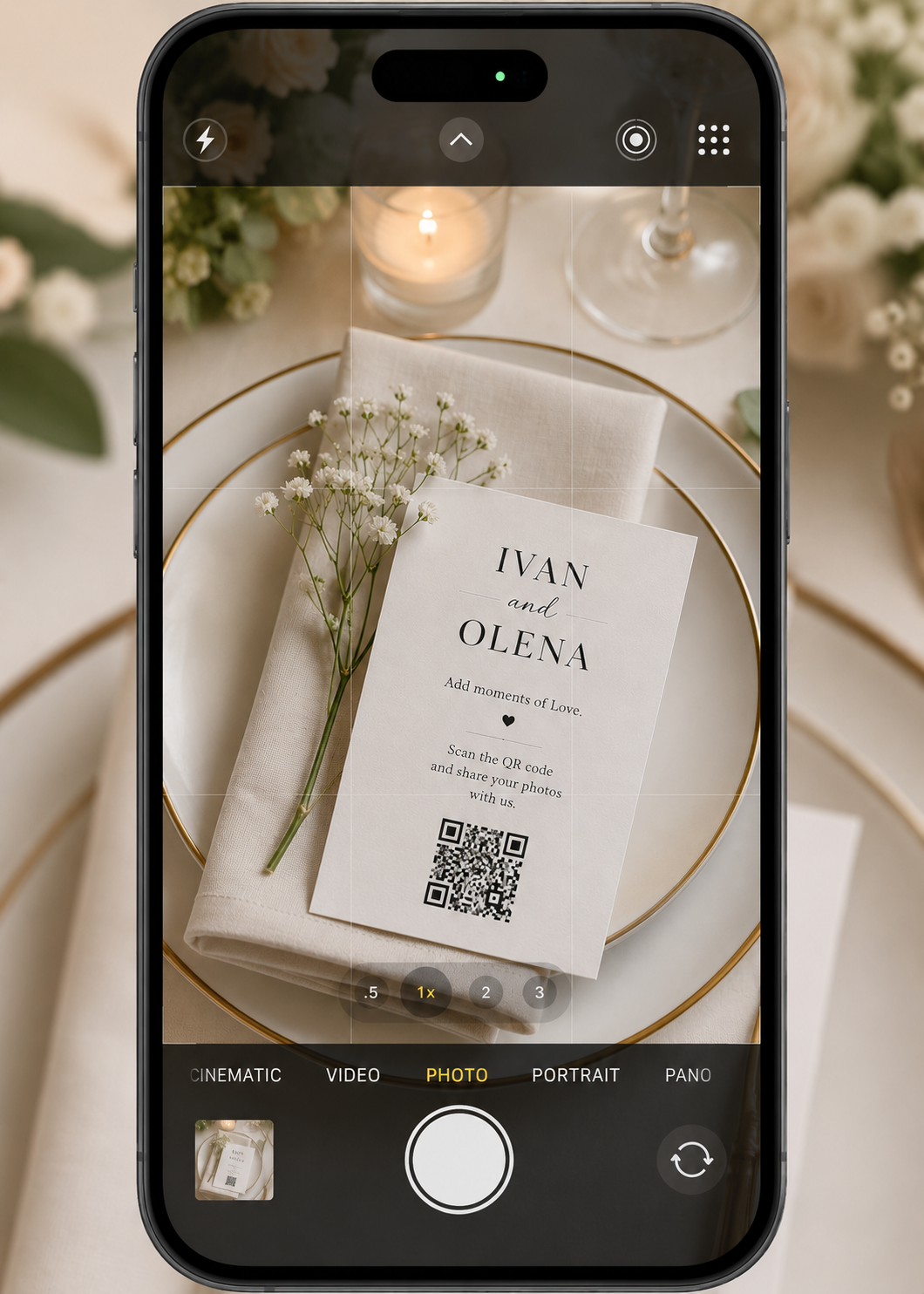
Scan QR Code

GUESTS scan the QR code or click your private link.

Scan QR Code mobile mockup
2

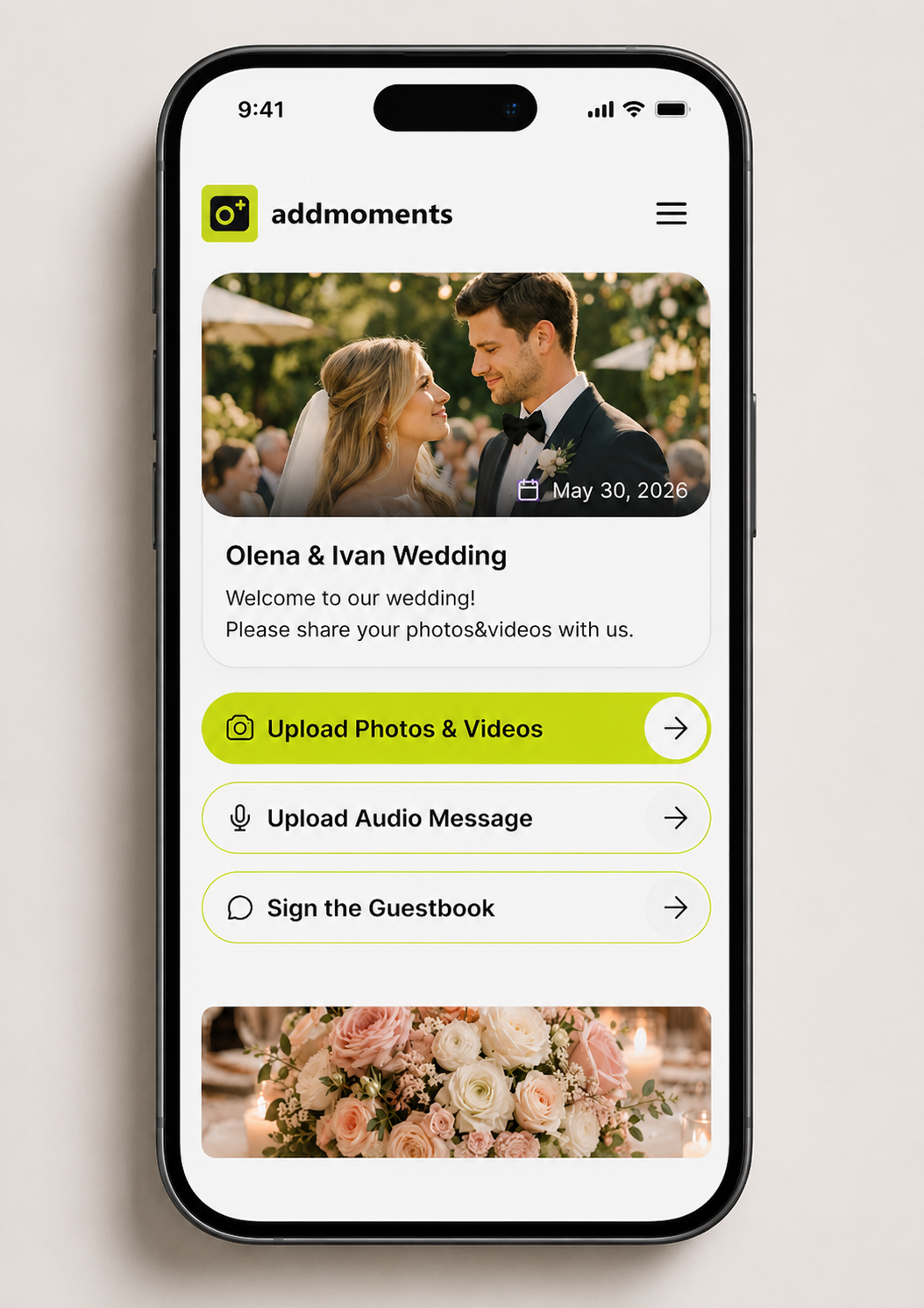
Upload Interface

Upload page will be opened.

Upload Interface mobile mockup
3

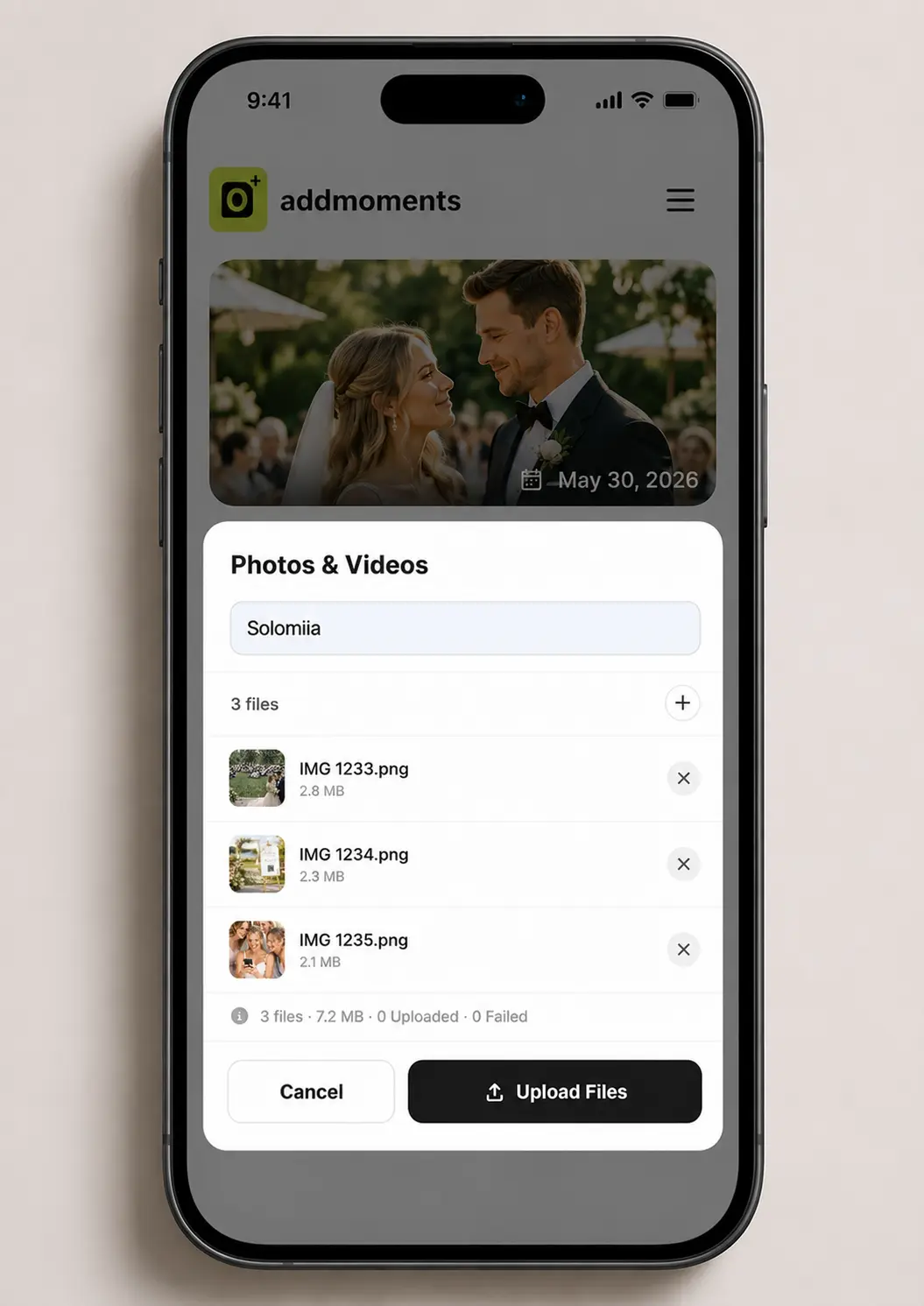
Upload

GUESTS can upload their photos and videos, leave voice message and a note.

Enjoy Event mobile mockup
AddMoments – New Hero Design
Why AddMoments - Large featured image
What is AddMoments - Small image 1
Don't lose any memories - Small image 2

The Moments You
Didn't See Become
The Ones You'll
Remember Most

Gather photos and videos from all your guests with one simple QR code. Perfect for weddings, parties, and any celebration.

No App
No App, No Guest Registration
High-quality Photos & Original Resolution
Instant QR Setup
Instant QR-code Setup
Live Slideshow
Live Real-time Slideshow
Create Your Event

Event Photo
Sharing
For Any
Occasion

Birthdays
Birthdays
Christmas, New Year & Easter
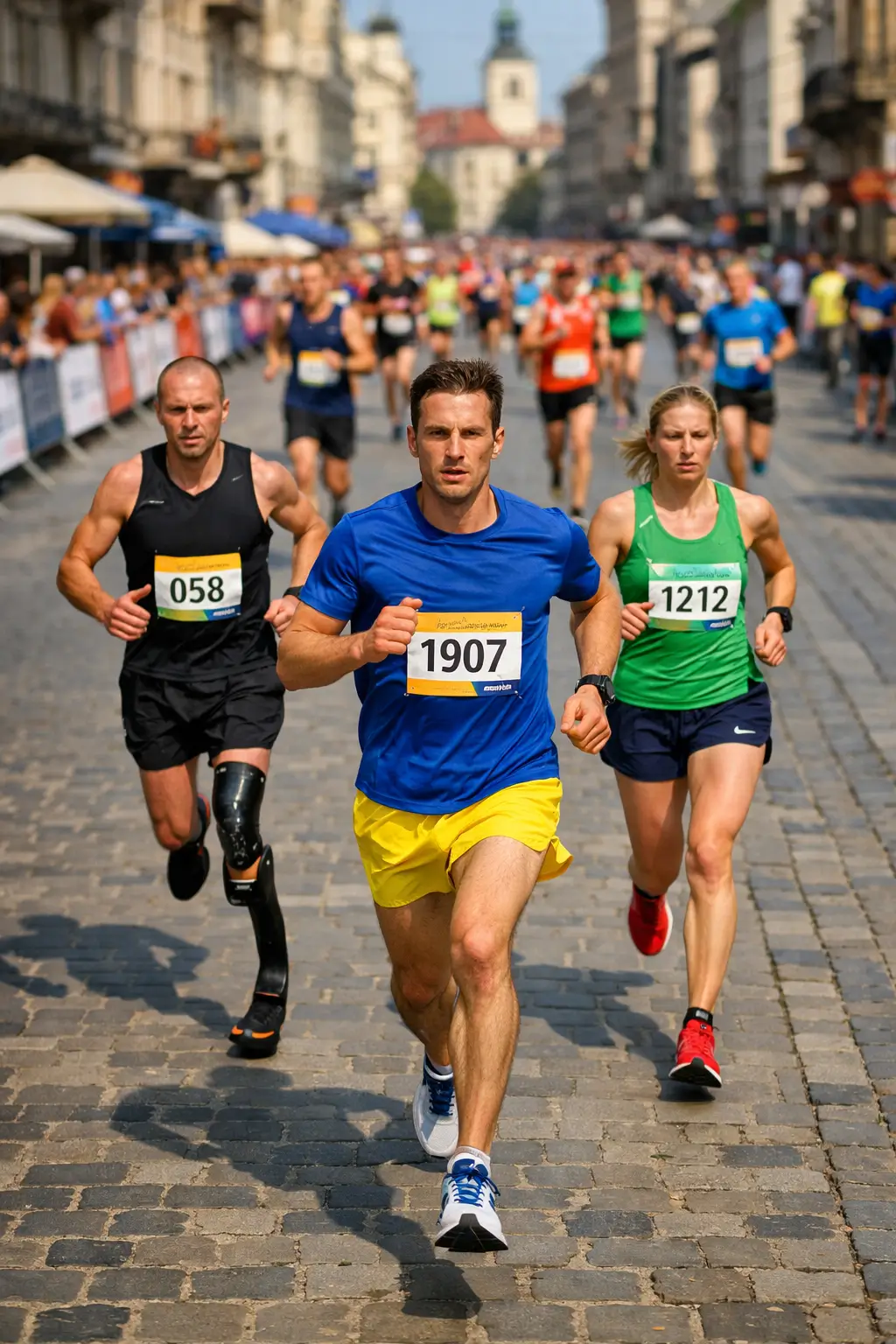
Sport & Fitness
Sport & Fitness
Education & Graduation
Business & Exhibitions
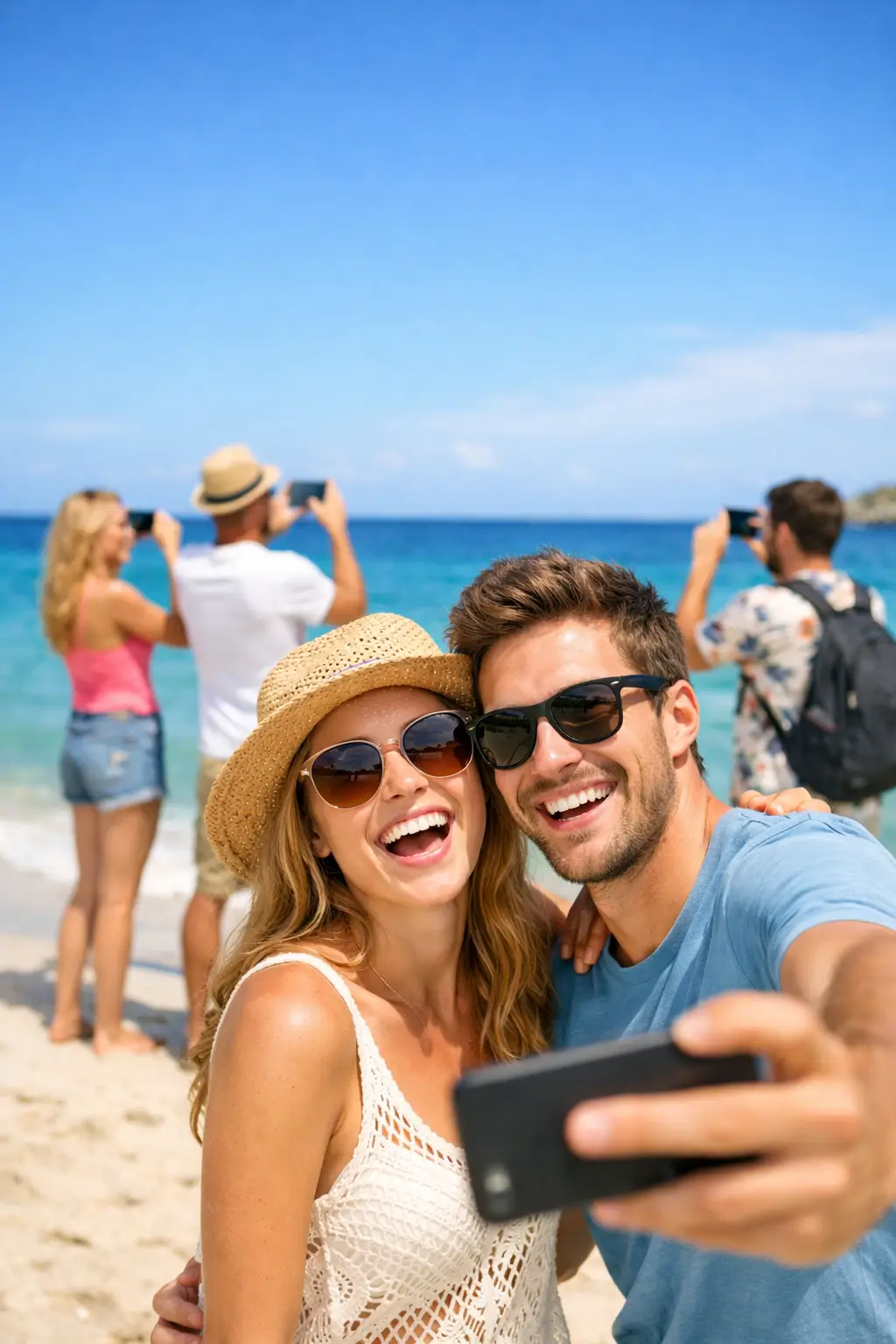
Vacation & Travel
Vacation & Travel
Memorials & Tributes
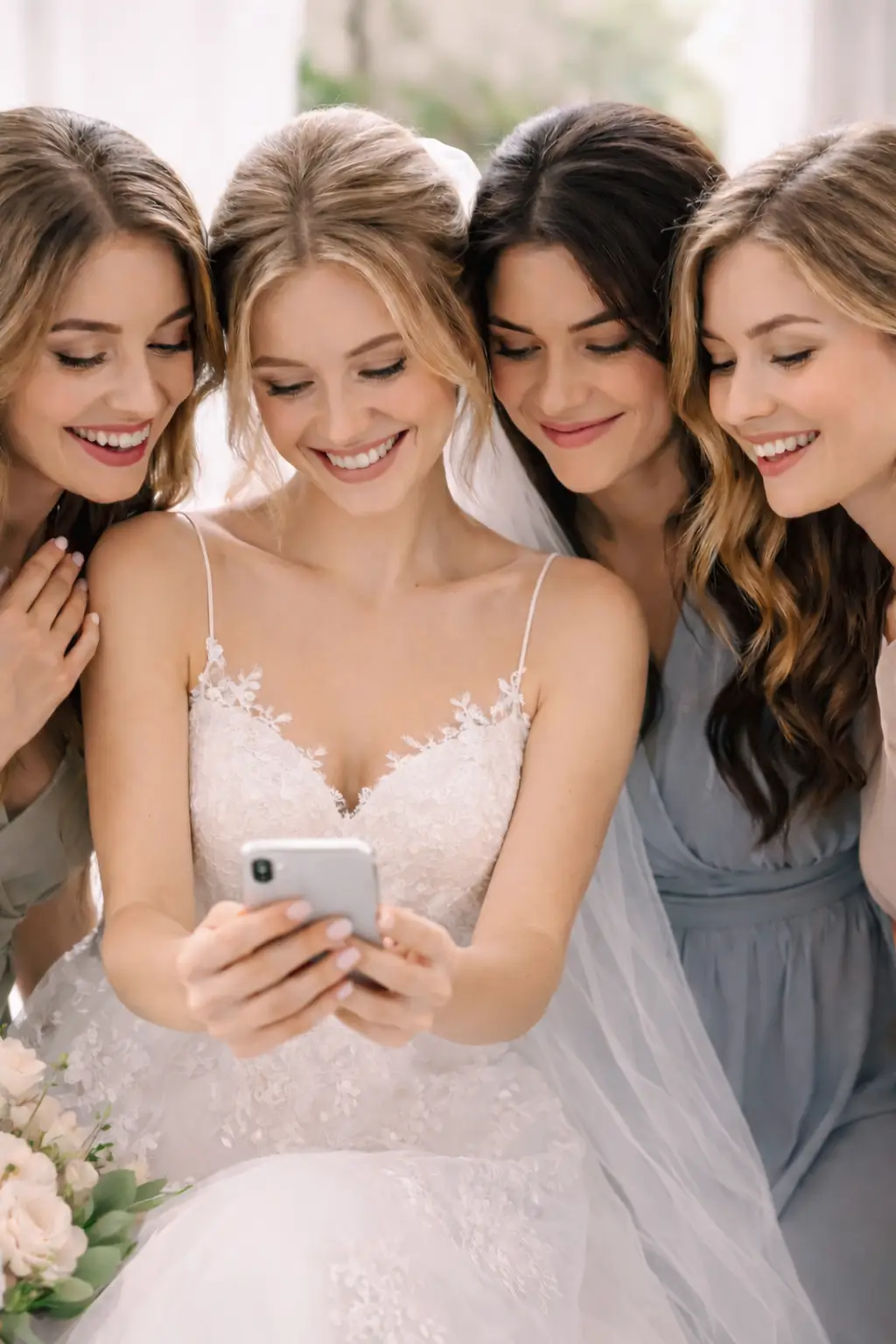
Weddings
Weddings
Corporate Events
Corporate Events
Features

Designed for Real Events & Real Guests

QR Code icon

No App Required

Guests join instantly through a simple QR code — no downloads or sign-ups needed.

Gallery icon

One Beautiful Shared Gallery

All event memories organized in one private, easy-to-access space.

Experience icon

Fast & Effortless Experience

Built for live events with mobile-first interactions and ultra-simple uploads.

Testimonials

Loved by Event Hosts Everywhere

See what our users have to say about their experience.

Robert
Robert
Groom

"We wanted a fun way for guests to capture moments at our wedding without everyone being glued to their phones. Add Moments was perfect!"

Sarah
Sarah
Bride

"We wanted a fun way for guests to capture moments at our wedding without everyone being glued to their phones. Add Moments was perfect!"

James
James
Event Host

"We wanted a fun way for guests to capture moments at our wedding without everyone being glued to their phones. Add Moments was perfect!"

Emily
Emily
Party Planner

"We wanted a fun way for guests to capture moments at our wedding without everyone being glued to their phones. Add Moments was perfect!"

Mike
Mike
Corporate Host

"We wanted a fun way for guests to capture moments at our wedding without everyone being glued to their phones. Add Moments was perfect!"

FAQ

Frequently Asked Questions

Have more questions? Contact us and we'll help you with any request!

Contact us

No apps required. Guests simply scan your QR code and upload photos directly through their browser.

No. Your guests can send content by simply scanning the QR code or clicking on your unique link, without requiring any membership.

Only you. You can securely view all uploaded photos, videos, and voice messages from your private admin panel.

Your event photo gallery remains active from 30 days to 6 months based on your plan.

AddMoments is a private event photo-sharing platform that helps hosts easily collect photos, videos, and guest messages in one secure digital gallery. Guests simply scan a custom QR code or open a private link to upload content instantly — with no app downloads or account registration required. Designed for weddings, birthdays, corporate events, marathons, and private celebrations, AddMoments keeps all event memories organized, accessible, and private.

AddMoments helps you preserve the most meaningful memories from your event through guest photos, videos, and messages. Using a QR code or private link, guests can instantly share moments from their phones with no app downloads or registration required. Perfect for weddings, engagements, birthdays, baby showers, graduations, sports activities, and corporate events, AddMoments collects everything into one personalized digital gallery. All media is stored in original quality, making it easy to relive every special moment anytime.

Professional photographers capture stunning shots on the scene from one point, but Addmoments shows your event through guests' eyes. They capture candid moments your photographer might miss — like backstage moments and more. Even one small moment can go viral in the modern world, and these are the random moments captured by guests. Plus, photographers can upload their photos too, creating one comprehensive collection.

Ready to Start?

Create your private event gallery and start collecting every perspective of your celebration in minutes.

Create Your Event

Event photo 1
Event photo 2
Event photo 3
Event photo 4
Event photo 5